> For the complete documentation index, see [llms.txt](https://docs.moviespacetv.com/llms.txt). Markdown versions of documentation pages are available by appending `.md` to page URLs; this page is available as [Markdown](https://docs.moviespacetv.com/apple-ios/setup-iptv-on-apple-ios-with-smarters-player-lite.md).
# Setup IPTV On Apple / IOS With Smarters Player Lite
Step 1: Start by downloading IPTV Smarters app from the Apple Store through this URL :
[**https://itunes.apple.com/us/app/iptv-smarters-player/id1383614816**](https://itunes.apple.com/us/app/iptv-smarters-player/id1383614816)
or you can search for it on App store\
\
install the app on your IOS device.
tep 3: Enter the login details that we have provided you after you get a subscription with us\
\
Now Click on “ADD USER” to proceed to the next section.\
\
Step 4: Wait some seconds.\
\
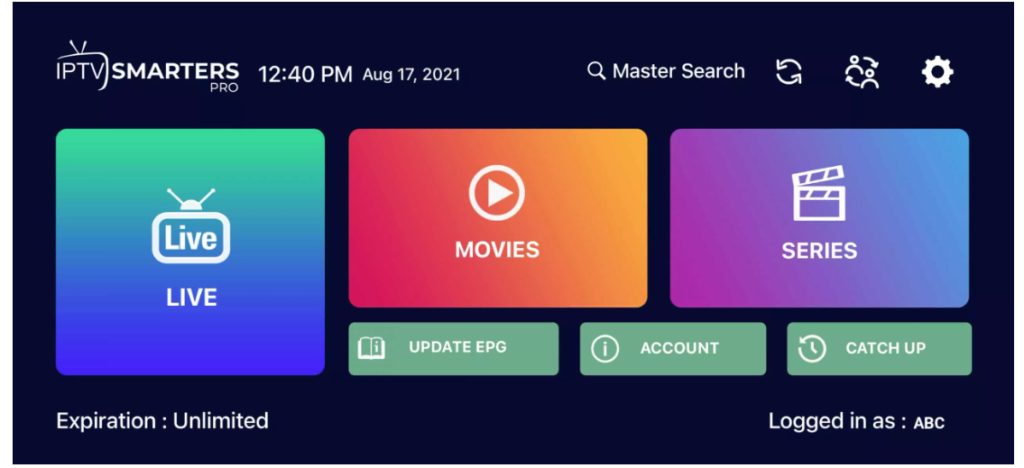
Step 5: Now click on “Live TV” icon as depicted in the image via a red arrow.
Step 6: Now you must select the channel group that you want to watch and proceed to the next section.\
\
Step 7: Now you must click on the channel name and then double click on the small screen to turn into full screen as the final step.\
\
Step 8: To add EPG no need to add any EPG url, Just click on “Install EPG”.
Done